

They get things started
A heads-up arrives 10 minutes before, the routine appears at the set time, and your child taps “Start”.
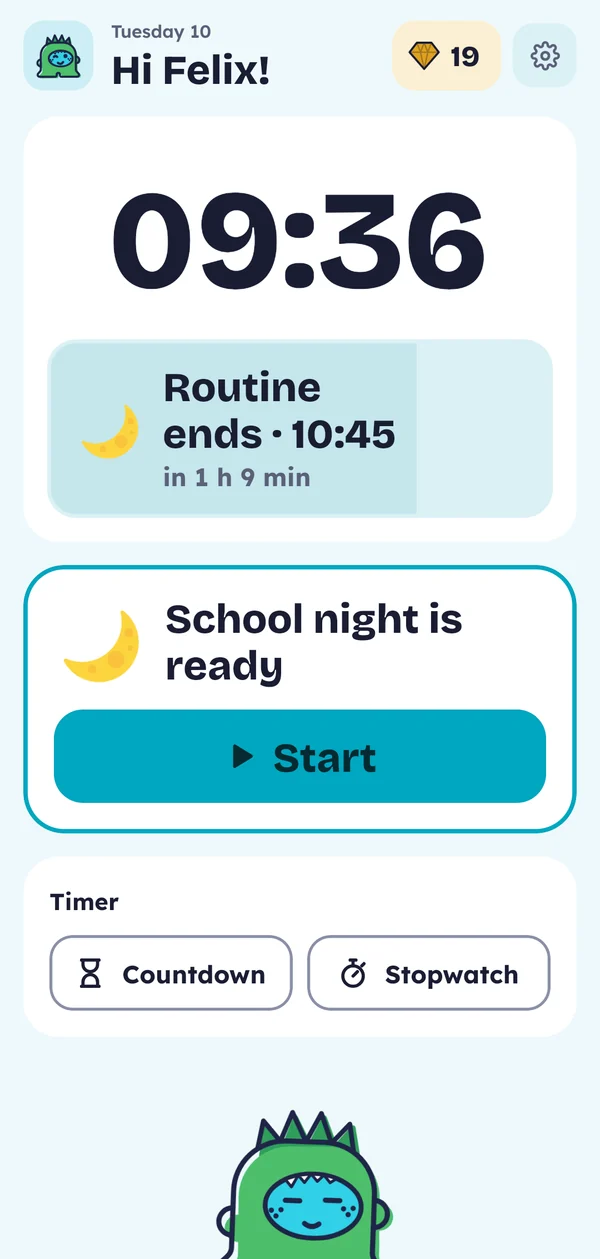
A heads-up arrives 10 minutes before, the routine appears at the set time, and your child taps “Start”.
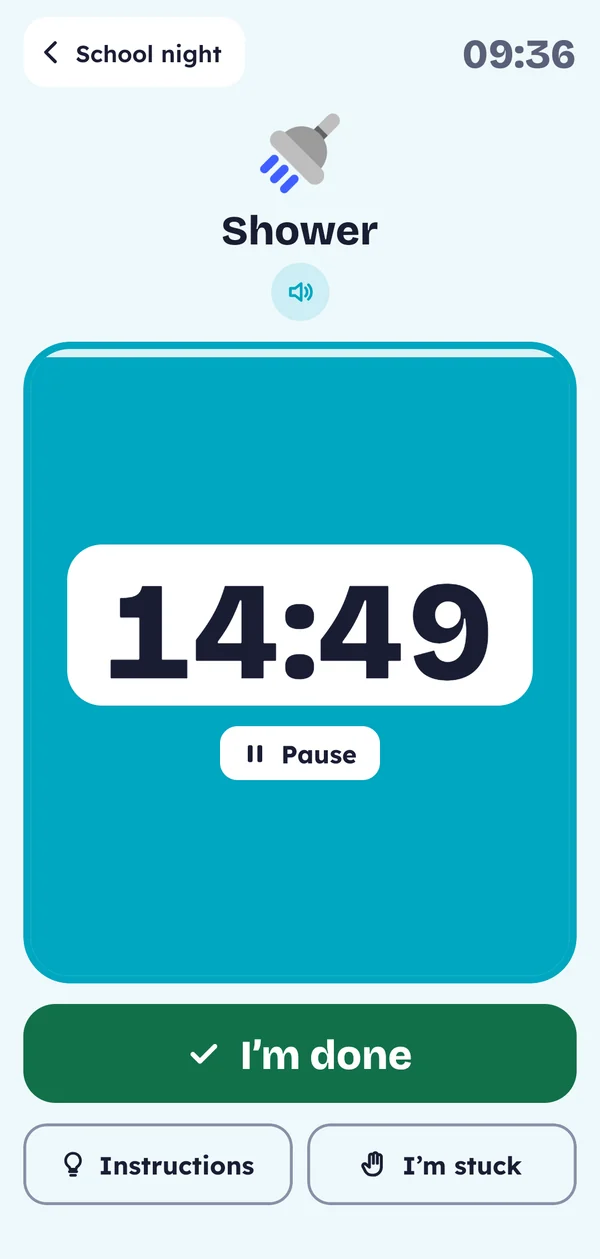
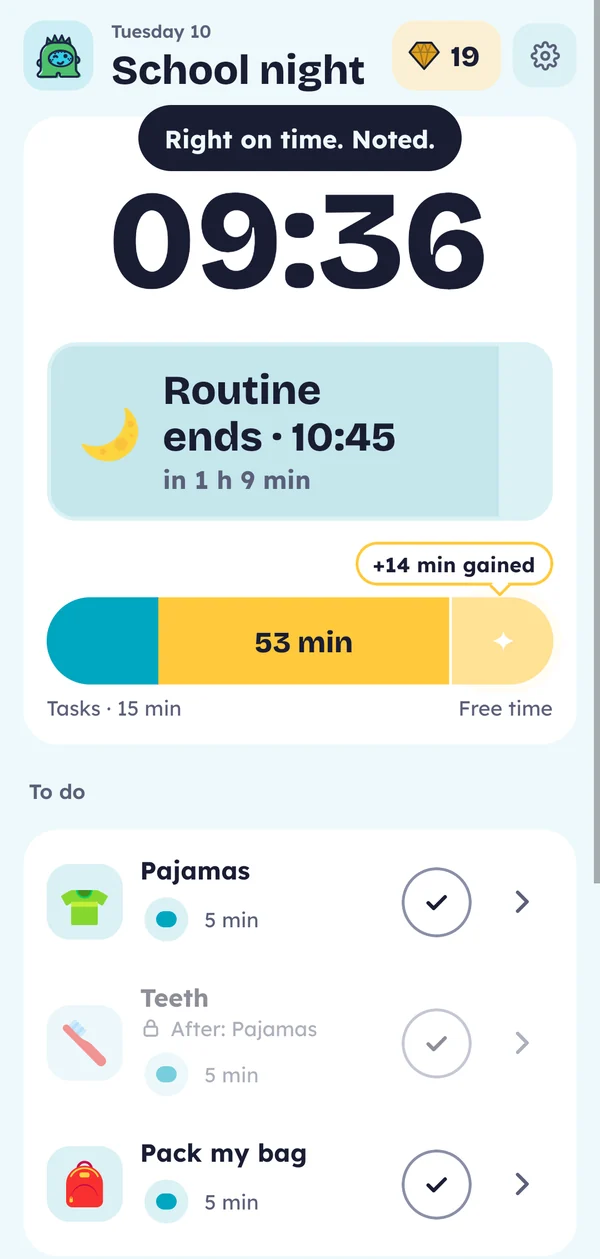
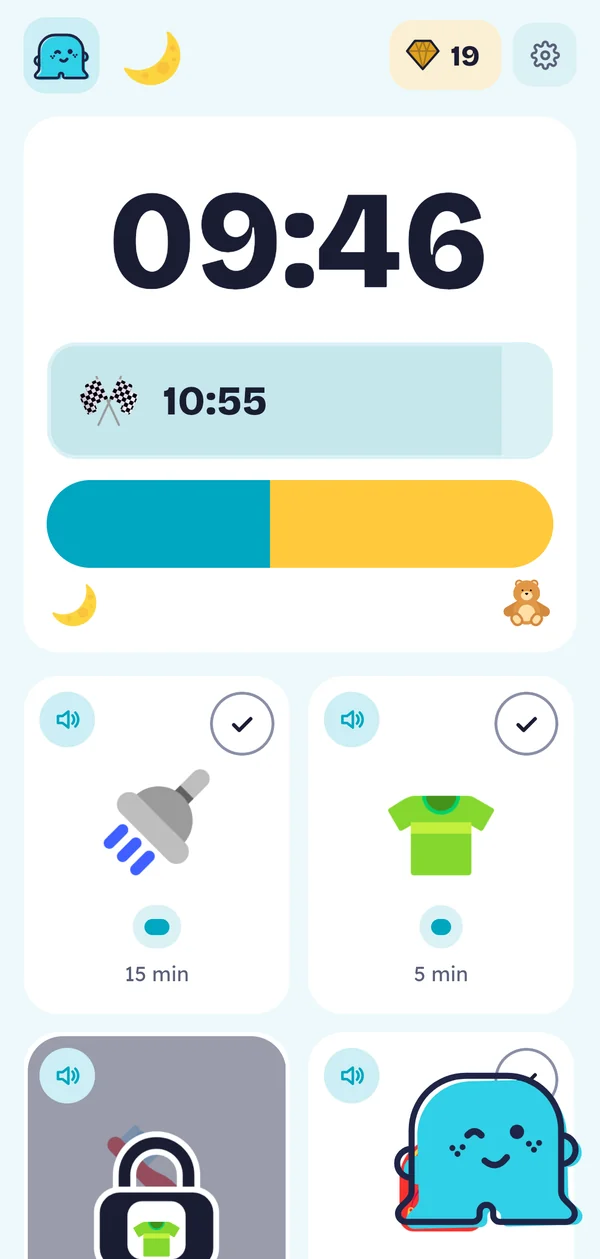
The timer empties as your child moves along, and a bar shows where each action fits in time. Likes beating a record? Make it count up.
A task can wait until the one before it is done: no brushing teeth before breakfast. Your child learns to get organized without being watched.
Your child taps “I’m stuck” and you know right away which task it is. For the ones they often forget, add “Instructions”: steps to check off one by one.
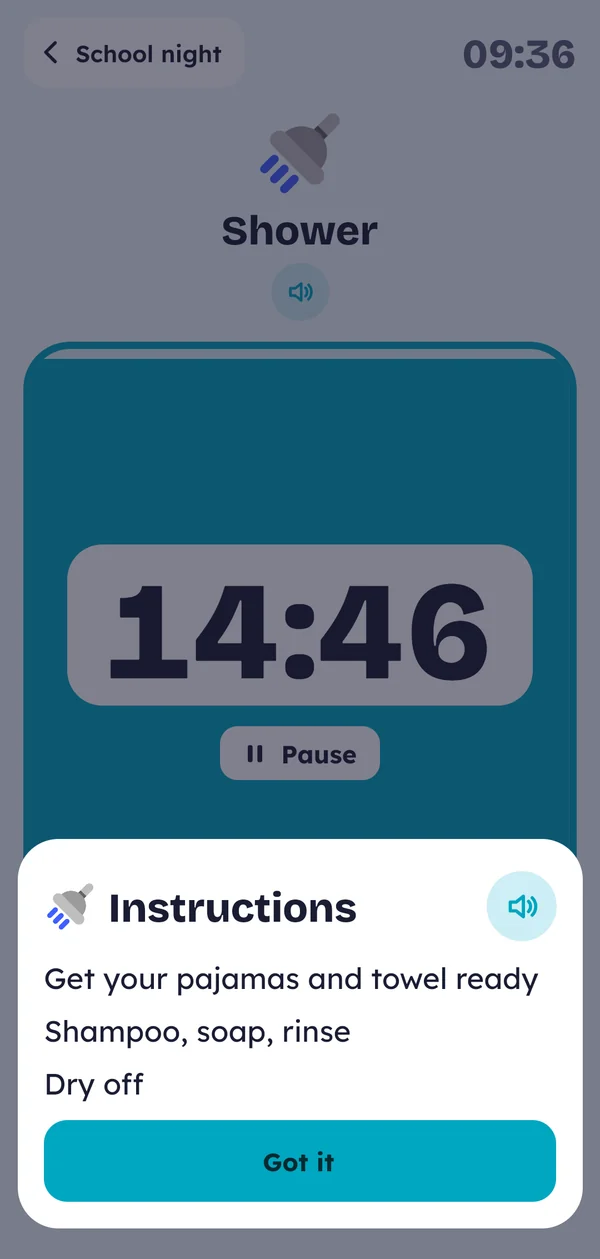
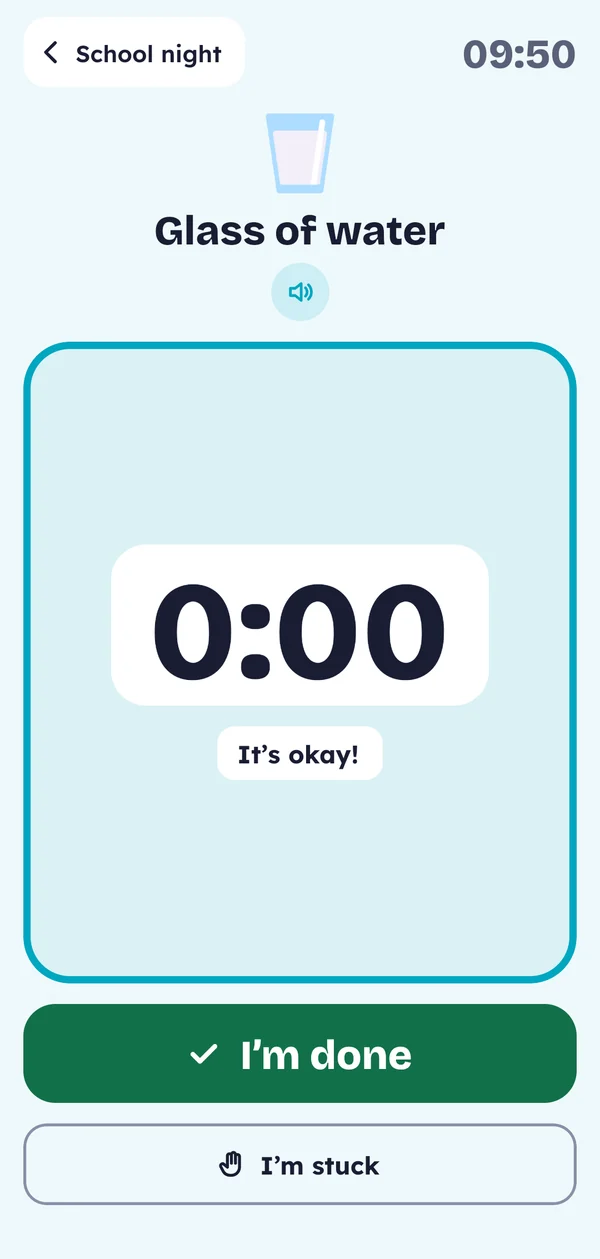
In picture mode, the text goes away: only the pictures and the time remain, bigger. Your child taps the speaker and Naumie says what to do.
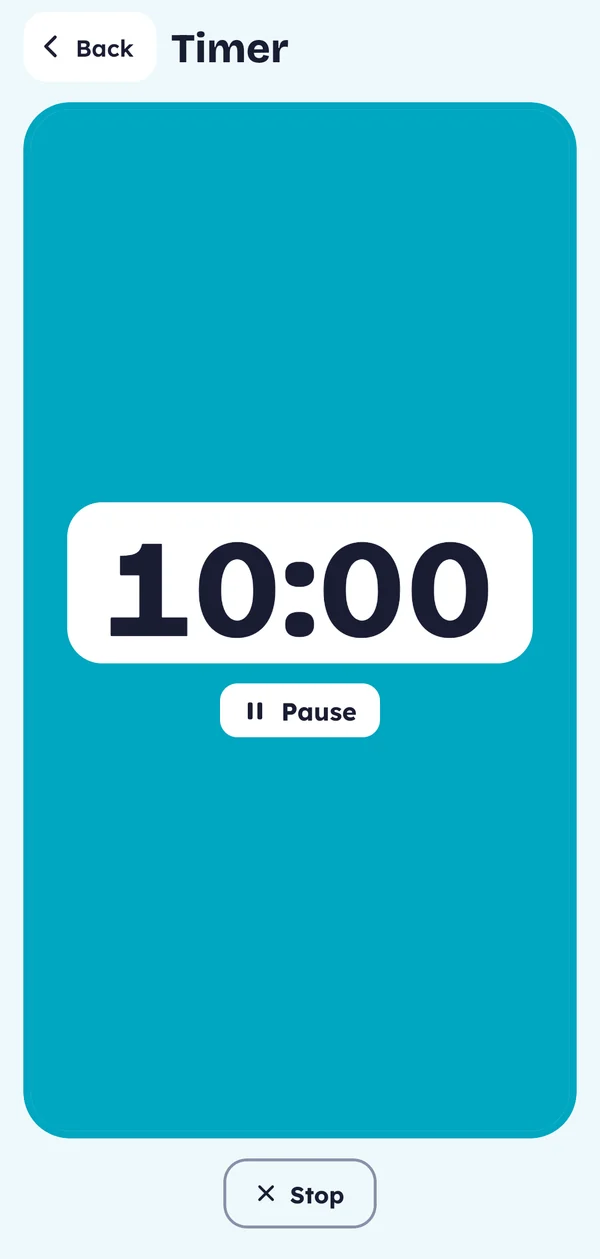
Reading, play, a break: your child starts the timer, or you send it from your phone. If you like, you get a heads-up when it’s paused or almost over.
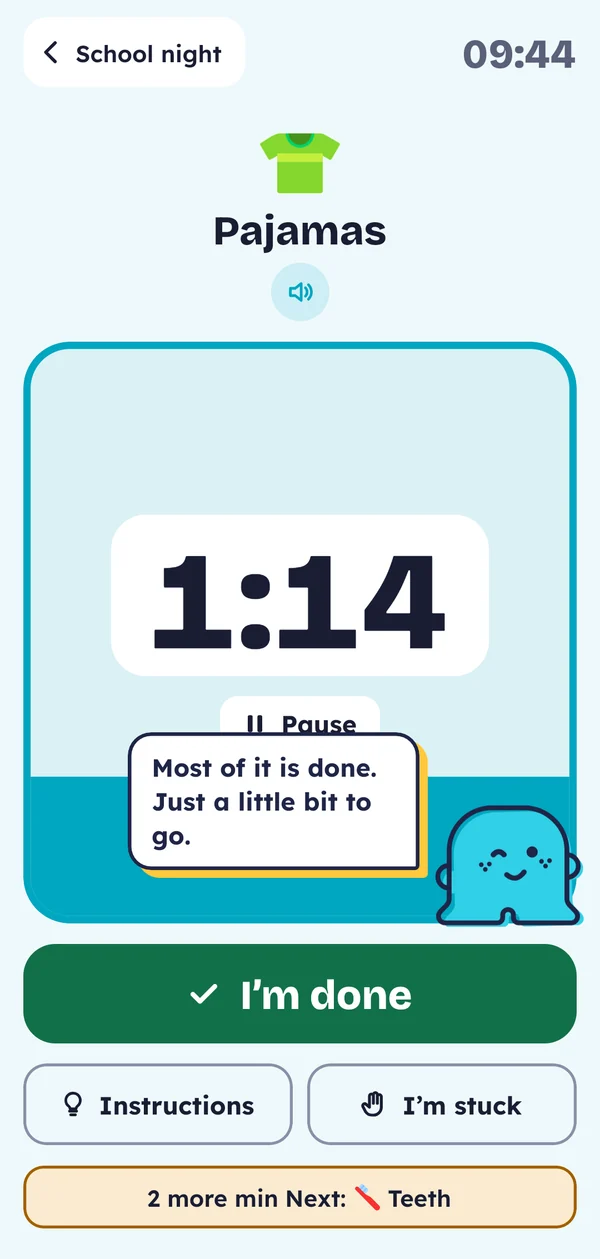
Near the end, the timer gently pulses and Naumie talks to your child in the voice you picked.
At zero, the timer simply stops. No red and no alarm. A late routine stays put, and your child can finish it without being scolded.
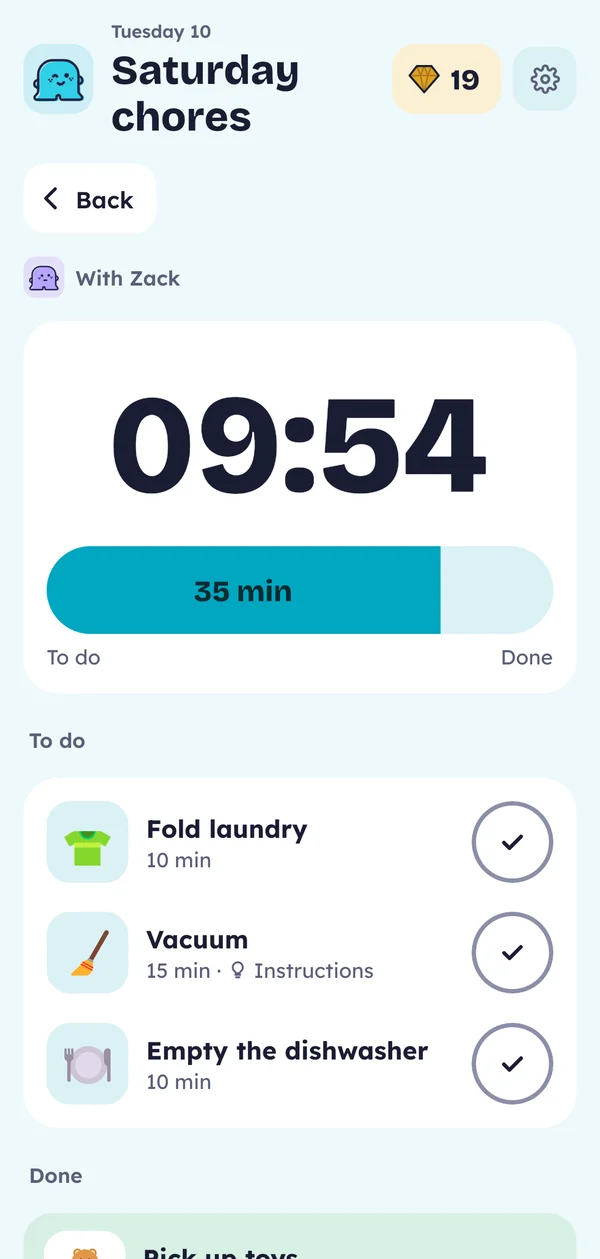
Saturday cleaning is a single list for all the kids involved. Each one opens it whenever they want and checks things off in any order, thanks to a dedicated mode.
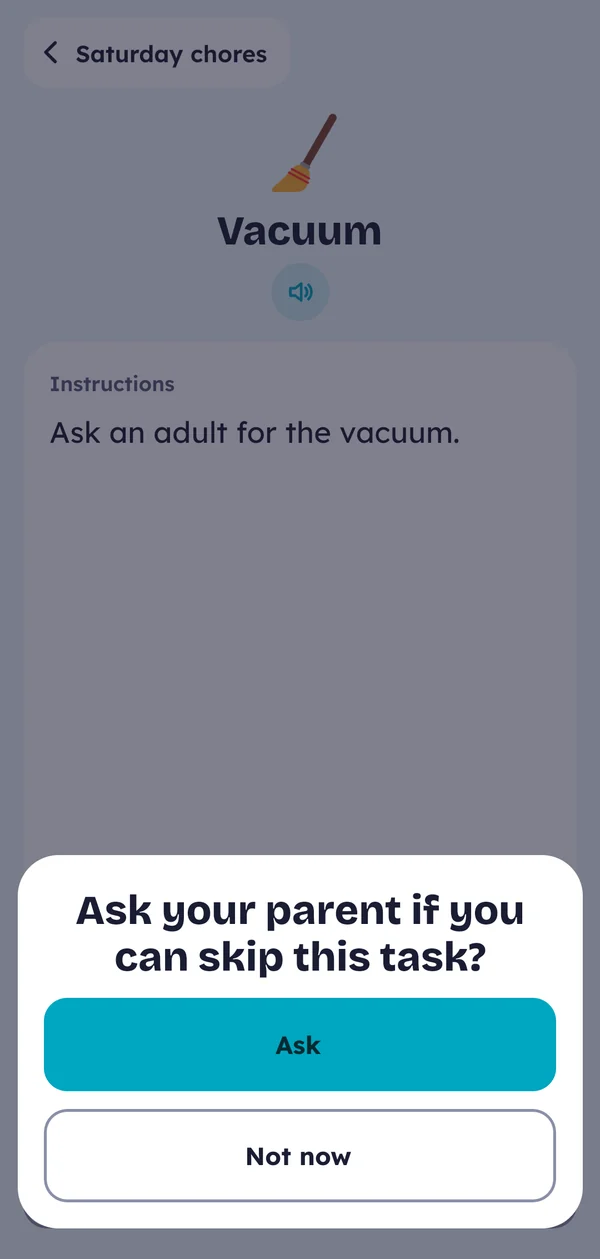
If something keeps your child from doing a task, they can let you know in the app. You can then skip it so they aren’t penalized.
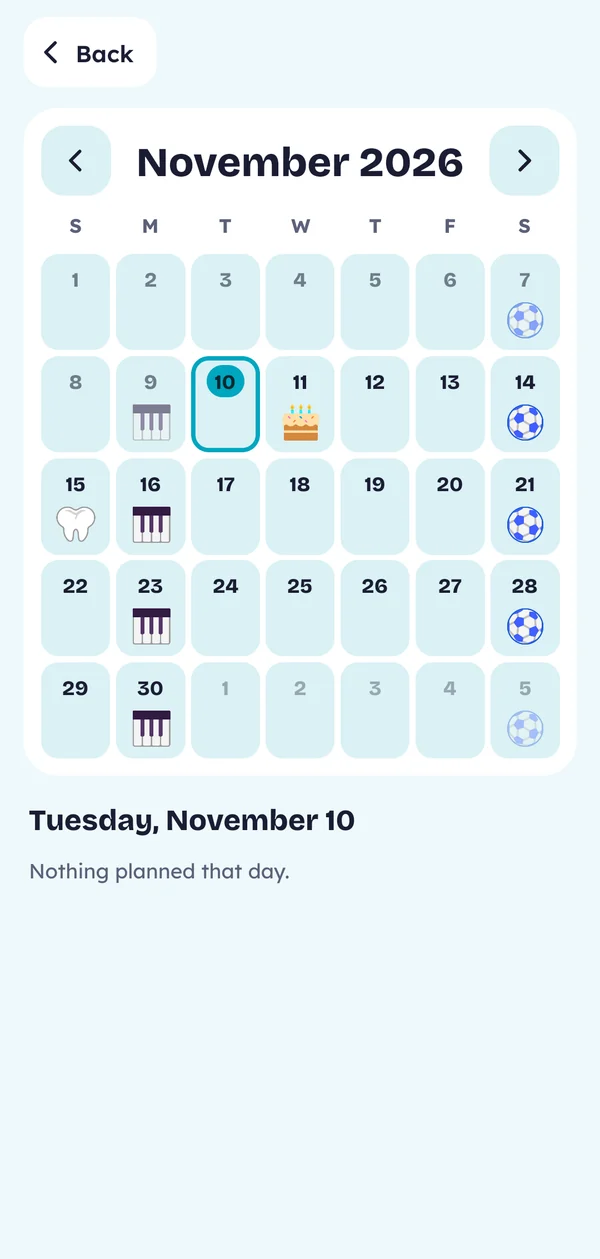
Events you add, like soccer or Léa’s party, show up in their week. Seeing the time left before an event helps them understand days and weeks.
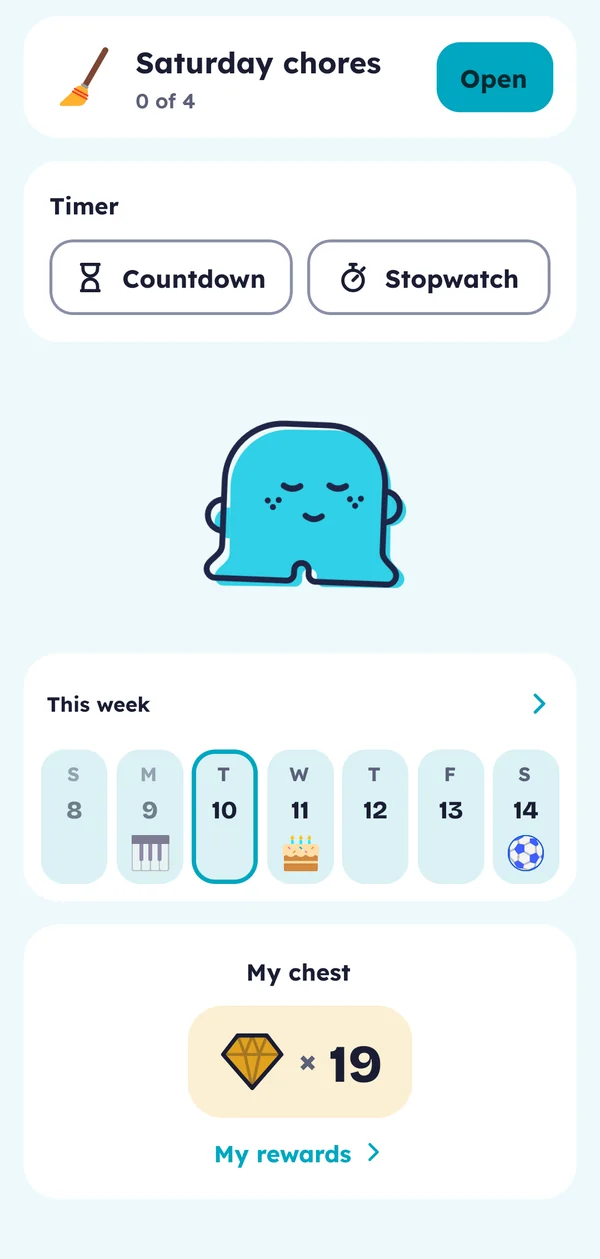
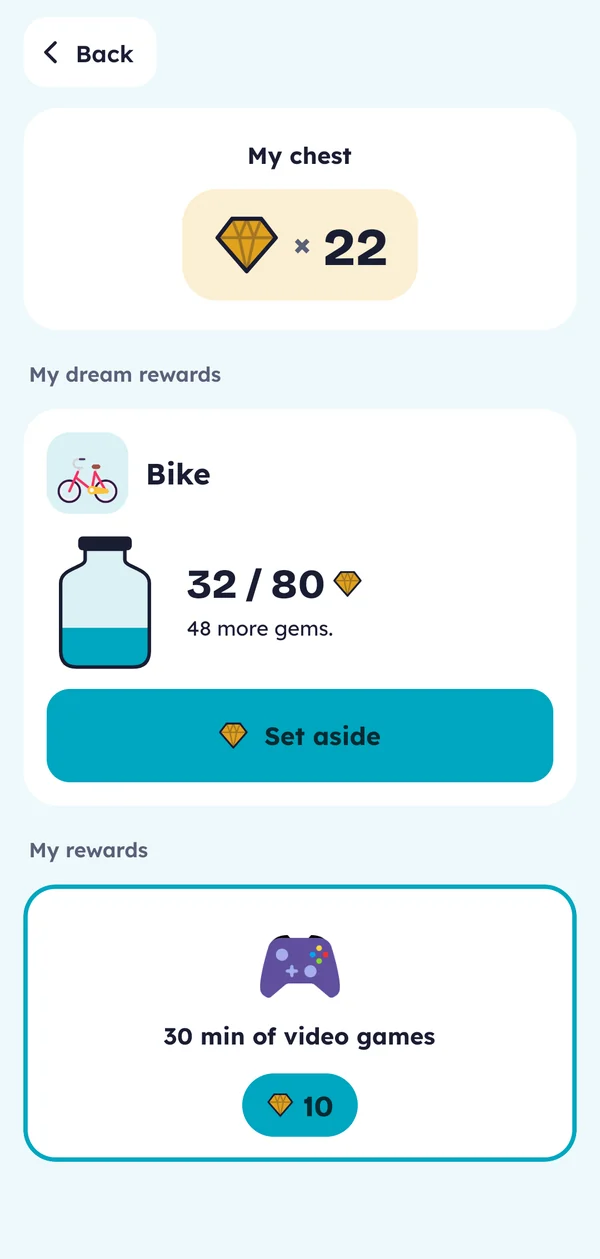
Each finished routine earns gems. Your child spends them by choosing from the rewards you’ve set up, learning what their effort is worth and deciding where it goes.
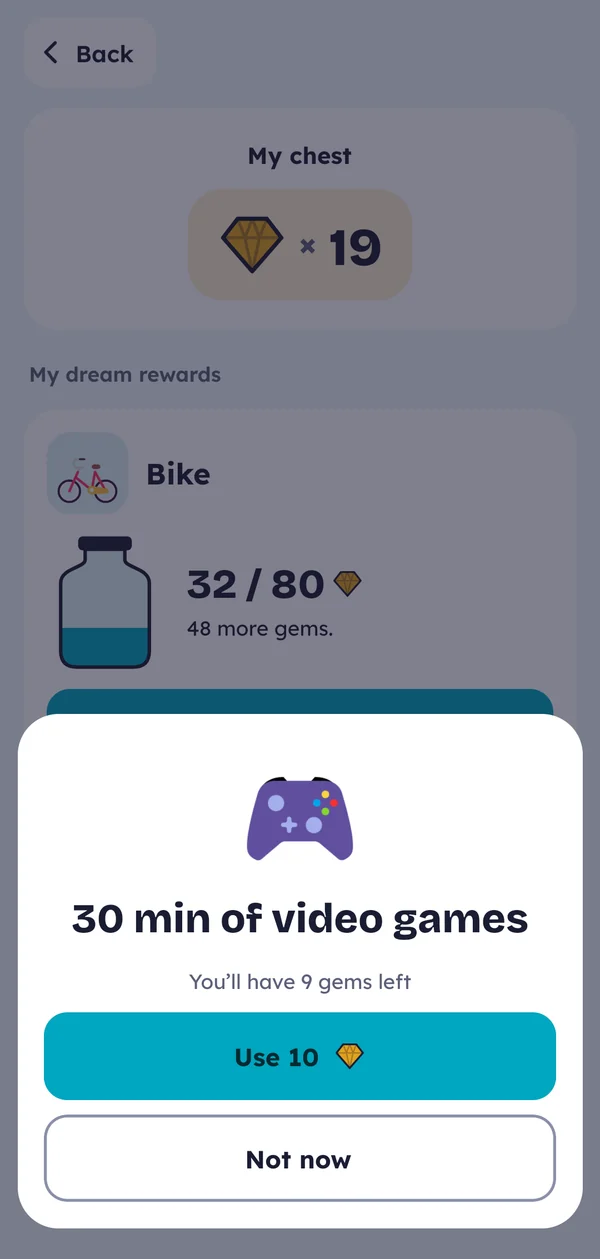
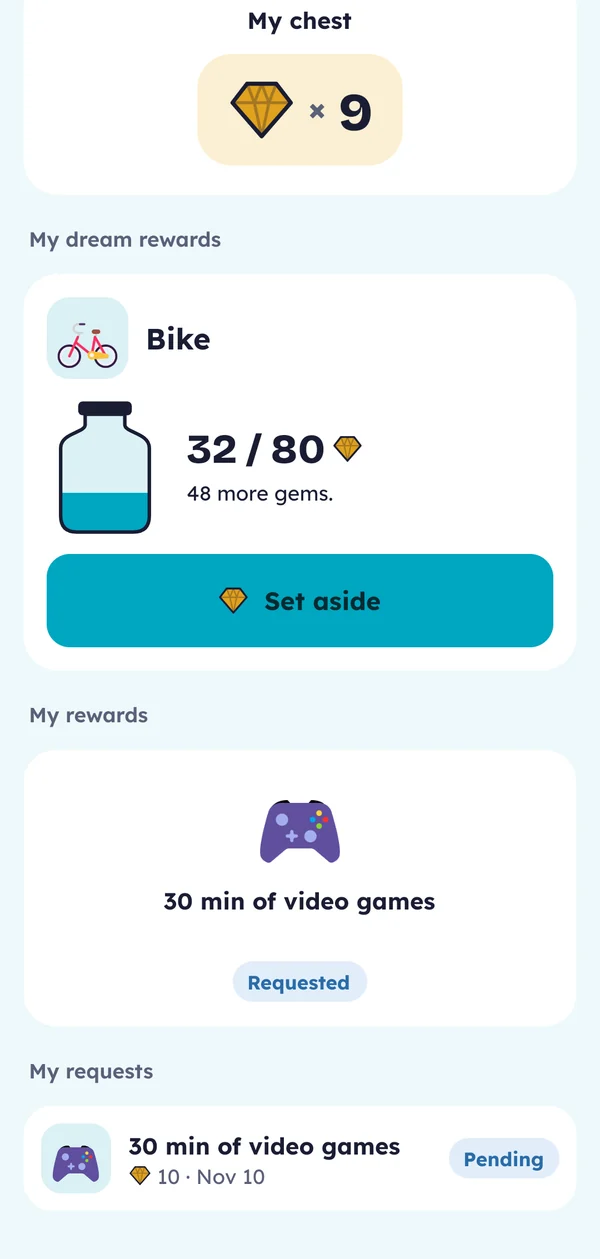
For a bike or an outing, they set gems aside and learn to save. Several kids can share the same jar and add to it together, and you can set a weekly limit.
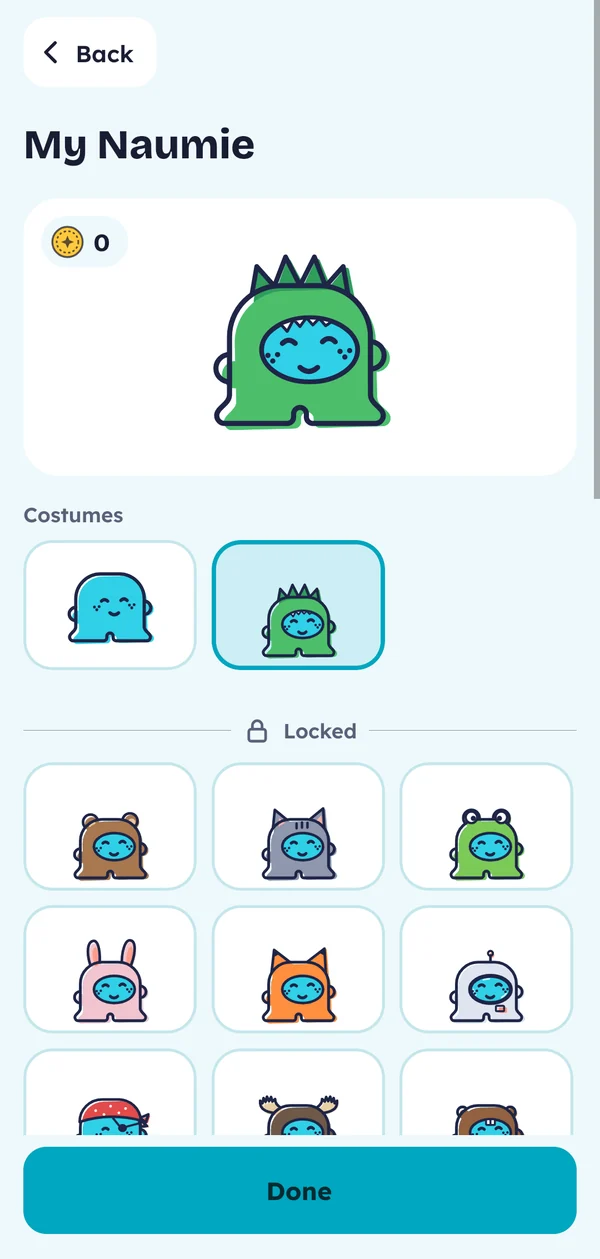
Each week they finish at least one routine or list, they unlock a costume for their Naumie. It’s our way of rewarding them at no cost.
If your child has two homes, their routines pause while they’re at the other parent’s. You can also share one account to keep rewards in one place even if routines differ, or share the child’s profile between your separate accounts.
With unlimited adults and kids, you can add a grandparent with on-demand routines, or a cousin staying for the summer.
Several kids can share one device, whether it’s yours or theirs. Each parent can switch to kid mode or use any tablet or phone, whatever the model.
1 month free, no card needed. Android first.